tvusage guides
Make screen time work for your family.
Short guides to setting limits, sharing devices, and managing each child’s screen time.
Start here · Family setup
Set up separate child profiles on a shared TV, then use each child’s synced profile and daily allowance across their Android devices.
Read the family setup guide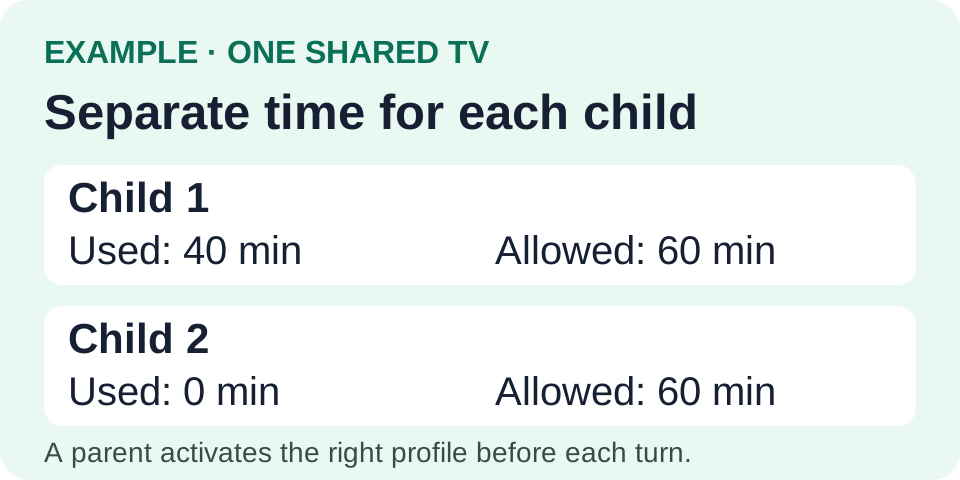 Example: a parent switches the profile when another child takes a turn. Switching preserves each child’s usage. View full-size image
Pick the guide you need
Getting started
Set a daily app allowance and allowed usage hours on Android TV or Google TV with tvusage, then check the rule on your device.
Read guide: How to set screen-time limits on Android TV and Google TVShared limits
Create one YouTube group containing the TV and mobile apps, then share its daily allowance across a child’s linked devices with tvusage.
Read guide: How to limit YouTube time across your child’s devicesChild profiles
Create separate tvusage child profiles on a shared TV, switch the active profile between turns, and preserve each child’s usage history.
Read guide: How to give each child separate limits on a shared TVRemote management
Connect supervised devices to tvusage Remote, review a child’s usage from your phone or browser, and update synced profile controls.
Read guide: How to manage screen time from your phone with tvusage RemoteChoosing controls
Compare tvusage daily allowances, allowed usage hours, and watch breaks, with practical examples for choosing and combining the controls.
Read guide: Daily limits, usage hours, and watch breaks: which should you use?